For Event Organizers
Turn your venue into a playable world
Worlds Between lets you build a World Shard, a GPS-aware adventure that lives on your guests’ phones. Print QR codes at real stations, draw zones on the map, write characters and quests, and decide how people move between the physical space and the game.
World Shards
Your event. Your rules. Your world.
Each shard is its own space: story, map area, characters, encounters, and rewards you control. Guests join for the duration of the experience, explore on foot, and interact with what you’ve placed in the real world.
Content is authored for that shard, so a festival, LARP, corporate outing, or outdoor adventure can each feel completely different.
Entry
One scan to join the event
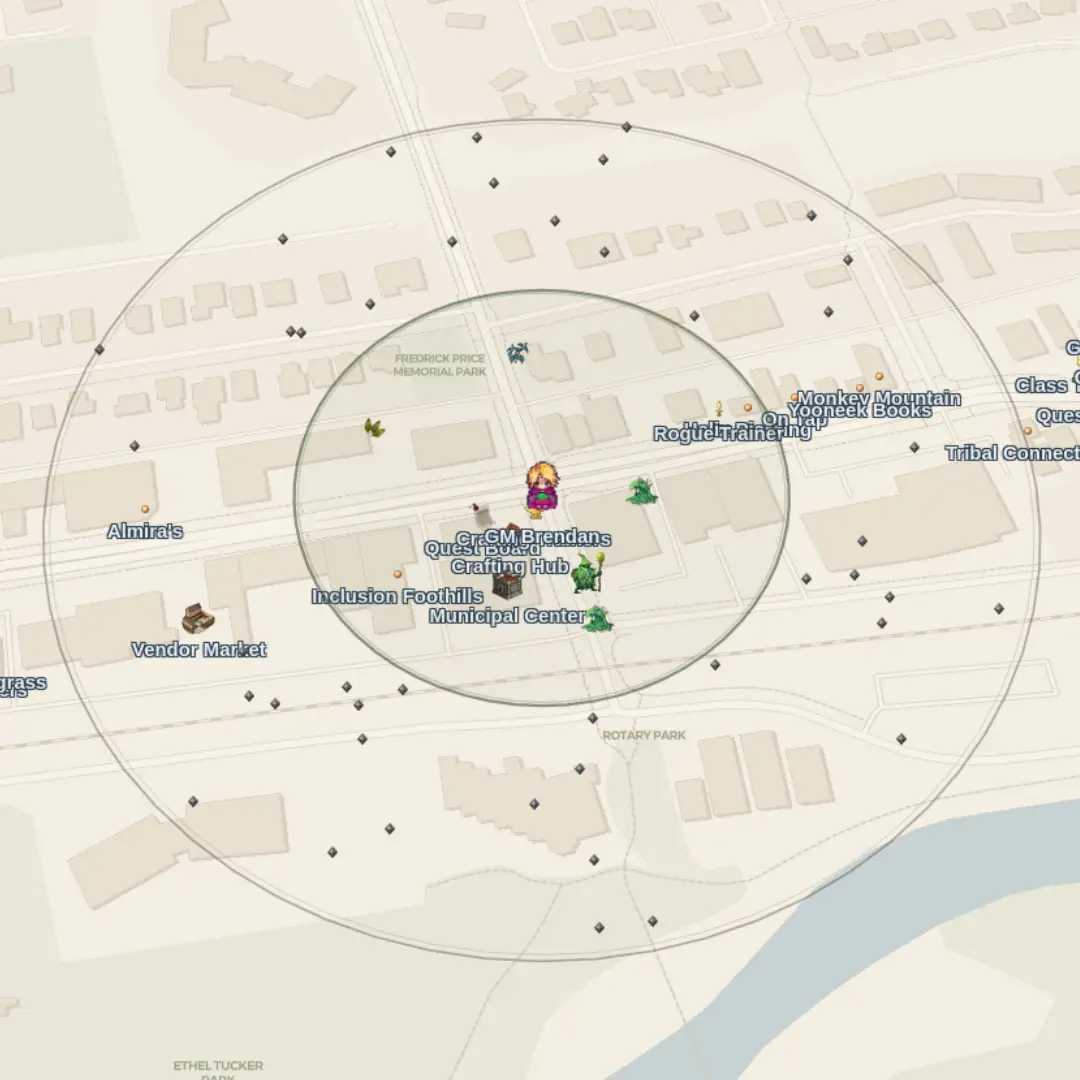
Players start by scanning your event join QR (or entering a join code). That unlocks your shard on their account, map markers, quests, NPCs, and zones load for your world only.
Check-in can be public, scanning any event QR allows the guest to join, or private, a specific code at a gate at the door, a badge handout, or a code in a program. Until they join, they don’t see your content.
Real-world stations
Physical codes that do things
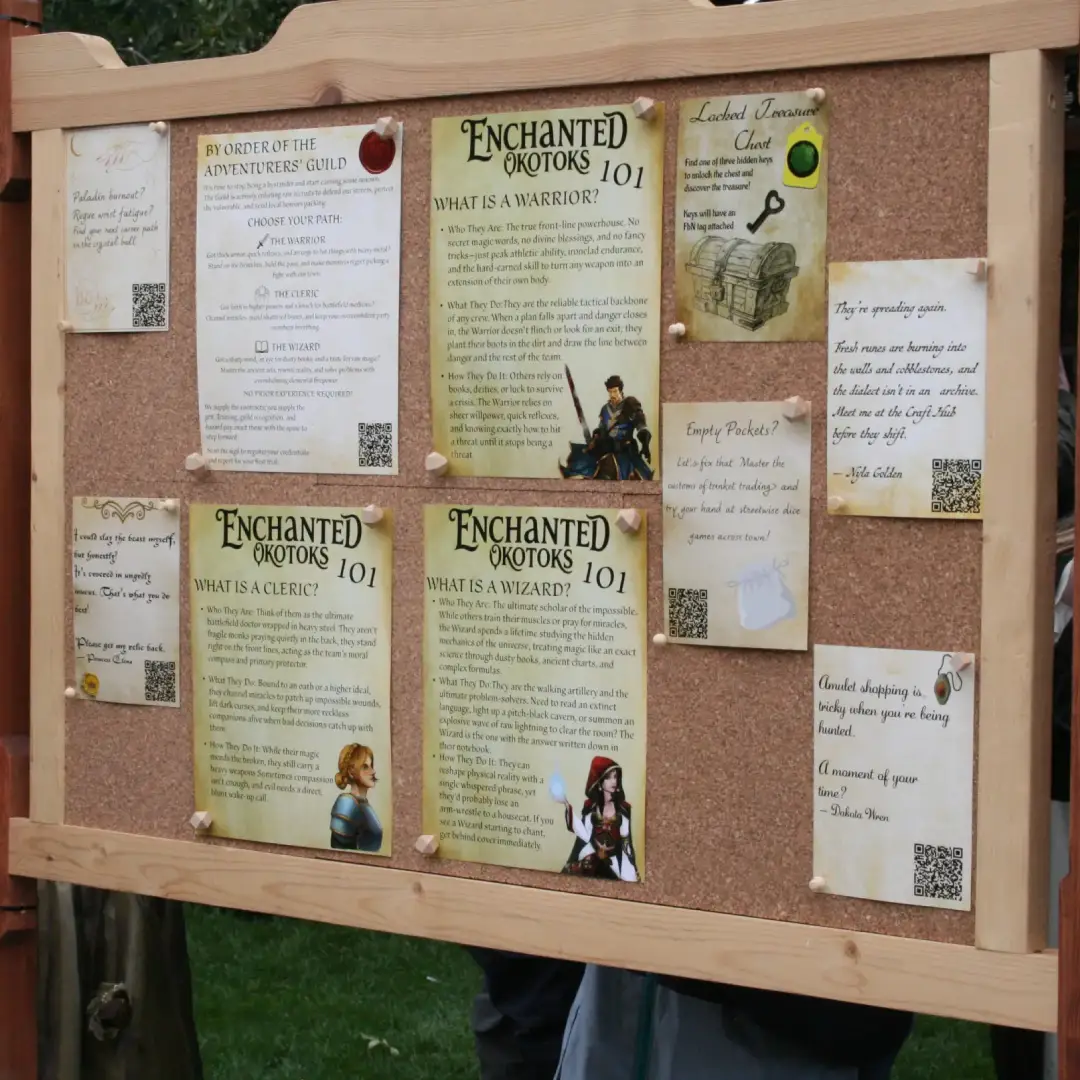
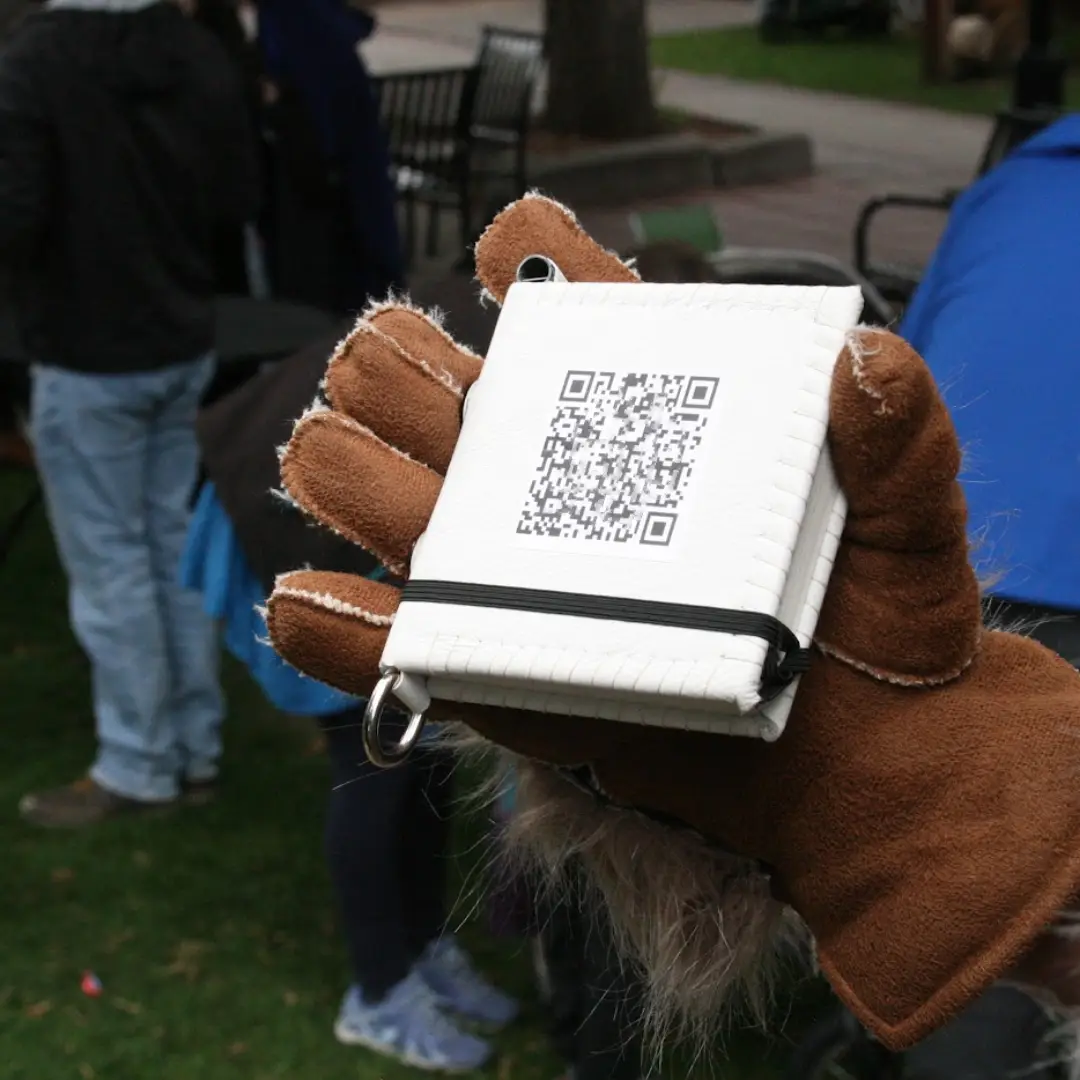
Place QR codes around the venue. Each scan can open a different kind of interaction, the same printing approach, many outcomes:
- Characters — start a conversation, offer a quest, open a shop
- Encounters — launch a preset battle (solo or party)
- Stations — crafting, shops, upgrades, or trading hubs
- Items & recipes — grant loot or unlock recipes on the spot
- Lore & info — codex-style panels for story and venue context
Already have codes in the event space? Custom redirects can map those URLs to in-game actions so any QR code can become an interaction.
Map design
Map as guide. Scan as proof.
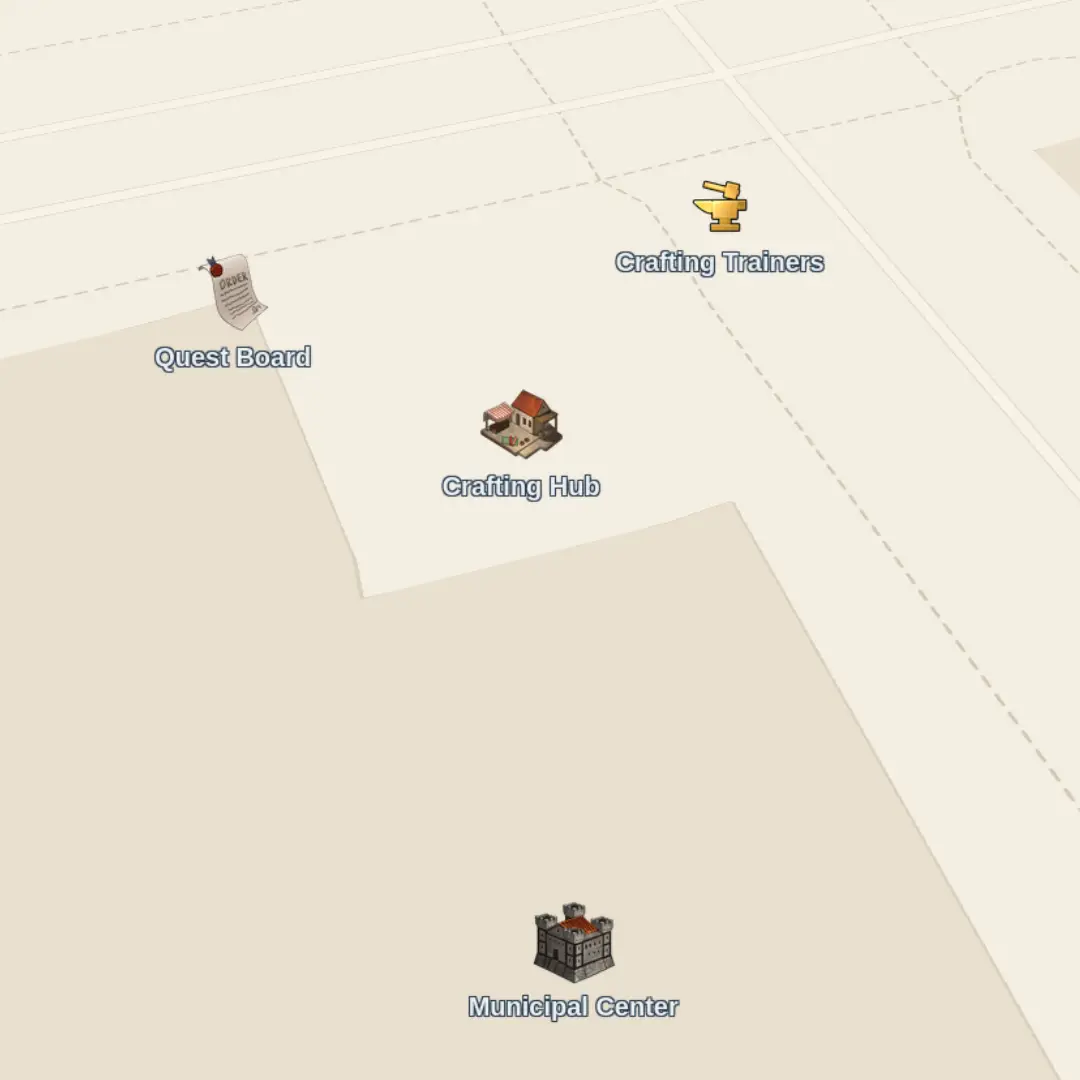
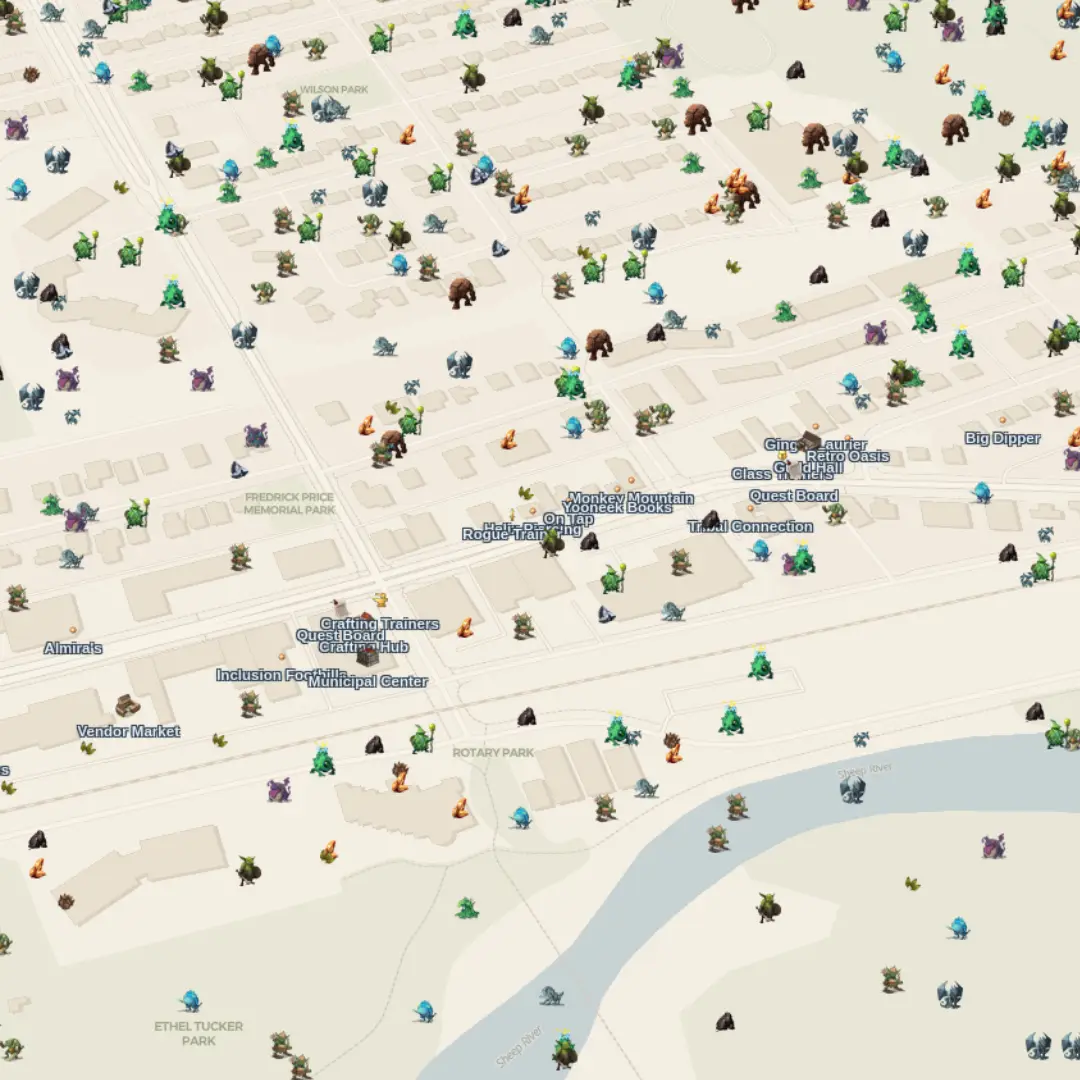
Markers on the map help guests find points of interest, characters, and hubs. You choose how much the map gives away: always-visible pins for wayfinding, or pins that only appear when a player is nearby.
When presence matters — “you had to walk up to the booth” — the QR at the station is the interaction. The map guides the player, the code is the trigger.
When convenience matters — “you don't want to walk back and forth constantly” — the map marker can be linked to an interaction, tapping to trigger a shop, character conversation, or more.
Conditional visibility - Not all markers need to be active at the same time. Set rules for when specific markers should be displayed. Great for quest breadcrumbs, unlockable content, and general de-clutter.
Exploration
Zones for roaming content
Draw zones on the venue map and fill them with roaming monsters or gatherable resources. Guests who walk the grounds find encounters that aren’t tied to a single printed code, rewarding exploration between stations.
Density, what’s available, and when a zone appears can all be tuned per event, including unlocking later zones as the story or community goals advance.
Story
Characters, dialogue & quests
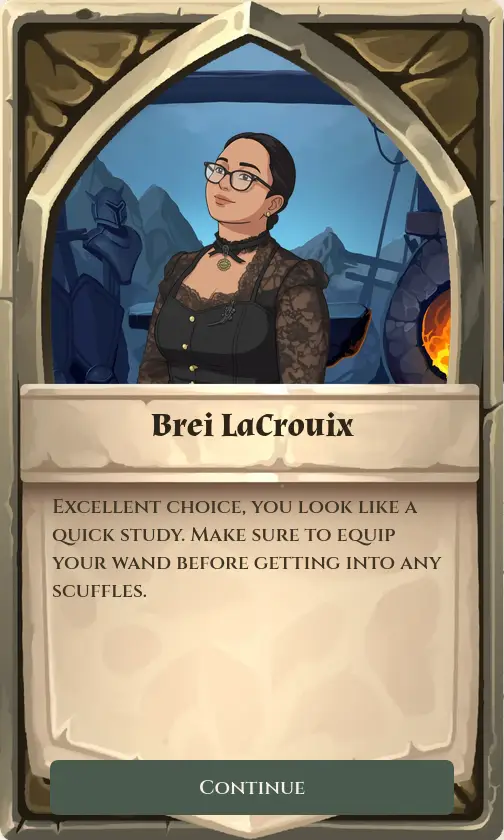
Give your event a cast. Branching dialogue can offer choices, lock content behind story flags, grant rewards, start fights, open stations, or hand out quests.
Quests can ask guests to talk to someone, win a fight, collect items, visit a place, or complete custom objectives, then turn in from their journal, at an NPC, a scan point, or automatically as they play.
Hubs
Craft, shop, trade & community goals
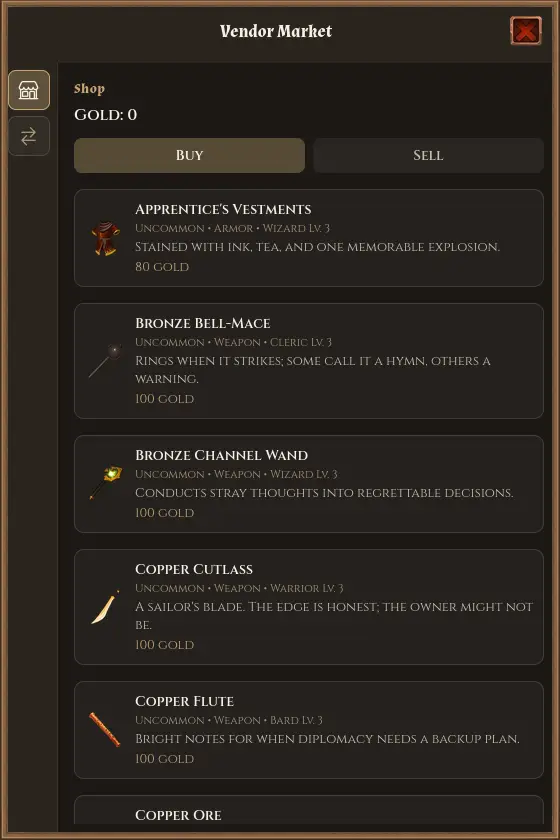
Stations are multi-purpose hubs. Depending on how you configure them, a single stop can offer crafting, a shop, personal upgrades, player trading, or community goals, shared progress the whole event contributes to.
Community levels can change what appears on the map: new markers, new zones, or a transformed venue as the group unlocks the next stage.
Progression
Rewards & progression you design
Classes, skills, professions, items, and achievements are tools for your event, not a fixed design you have to adopt. Use combat progression for a dungeon crawl, professions for a gathering hunt, or keep the experience quest-and-story focused with almost no fighting.
Lock map markers and zones behind story triggers, quest progress, items, class or profession requirements, or community station level so the day unfolds on your schedule.
Social
Parties at the venue
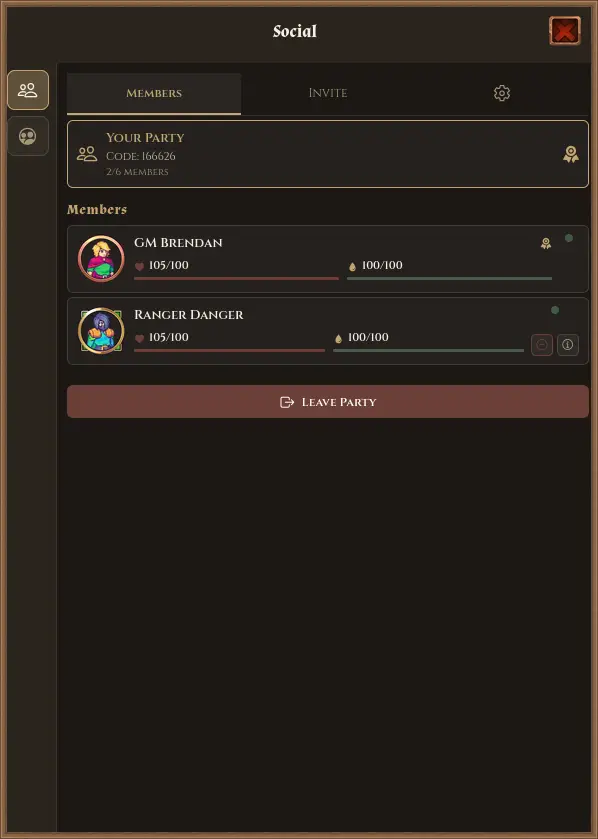
Guests can form parties with a short code or party QR, see each other on the map, and join shared battles. Design encounters for solo heroes or for groups that stick together.
Ready to run an event?
Worlds Between is built for live events and outdoor play.
Contact us below if you're interested in a demo.