For Players
Your adventure starts where you stand
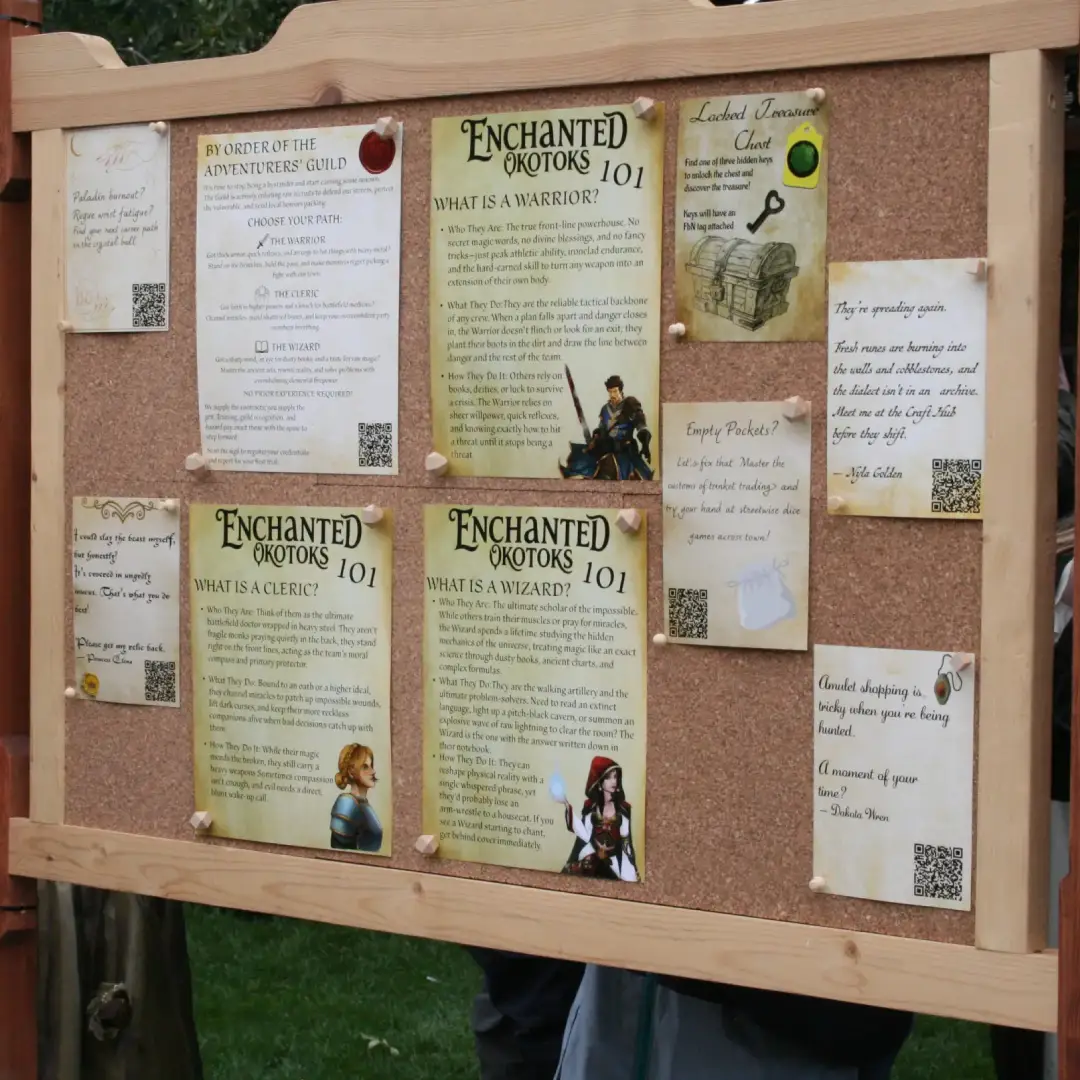
Worlds Between turns a live event into an adventure on your phone. Join the event, walk the grounds, scan codes at stations, complete quests, fight monsters, and team up with friends. Every event is different. Here’s how the app works.
Getting started
Get the app & join an event
Play in the browser, or install from Google Play or the App Store. At the event, scan the event QR code (or enter a join code) to unlock that world’s map, characters, and quests on your account.
Each event is its own. Joining adds that world to your profile so you can return to it while the event is live.
Explore
The map
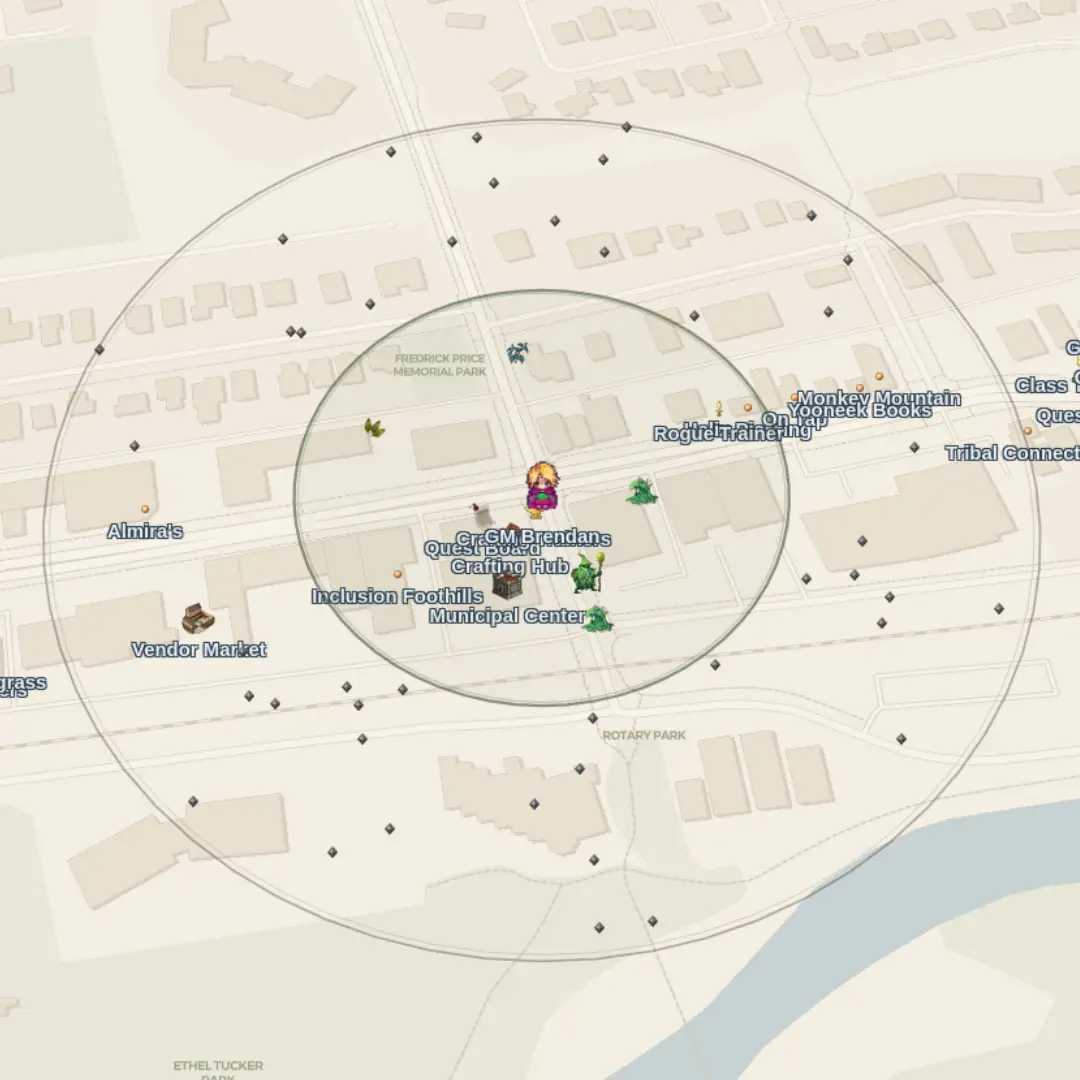
The map is centered on you. As you walk, you’ll see markers for characters, points of interest, encounters, party members, and nearby activities the event has placed in the world.
Try tapping a marker to see if it has info or an interaction. Markers can be used as guides to physical locations or to trigger in game interactions. Use filters if the map feels busy, each event designs what shows up and when.
Interact
Scan QR codes
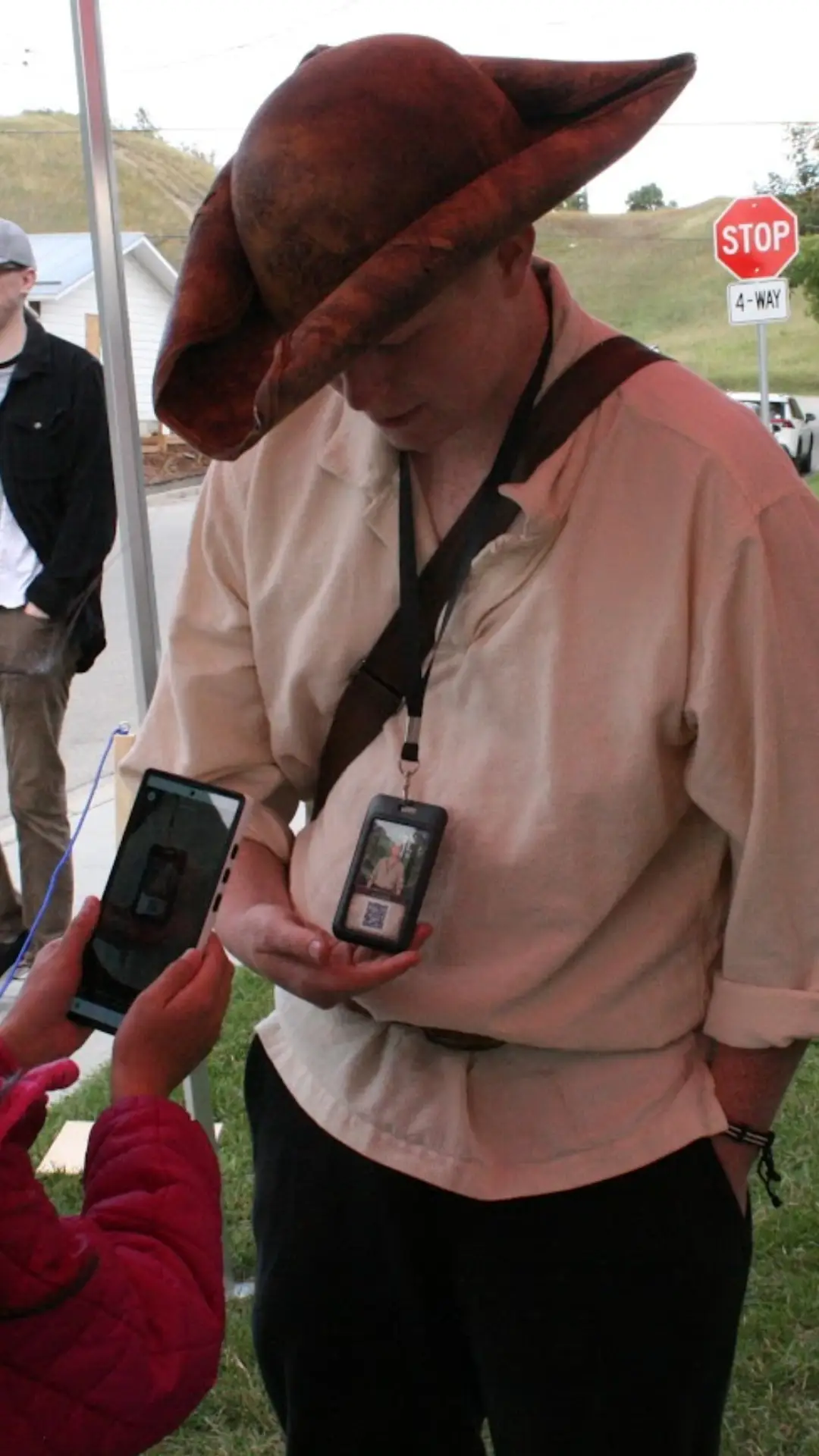
Scanning is the main way you interact with the real world. Open Scan from the bottom of the app, point your camera at a code at a booth, prop, or sign, and the game responds.
A scan might start a conversation, hand you an item, open a crafting station, begin a fight, accept a quest, or help you join a party. Map pins often tell you what’s nearby; the code connects the physical and the digital.
Story
Journal, quests & characters
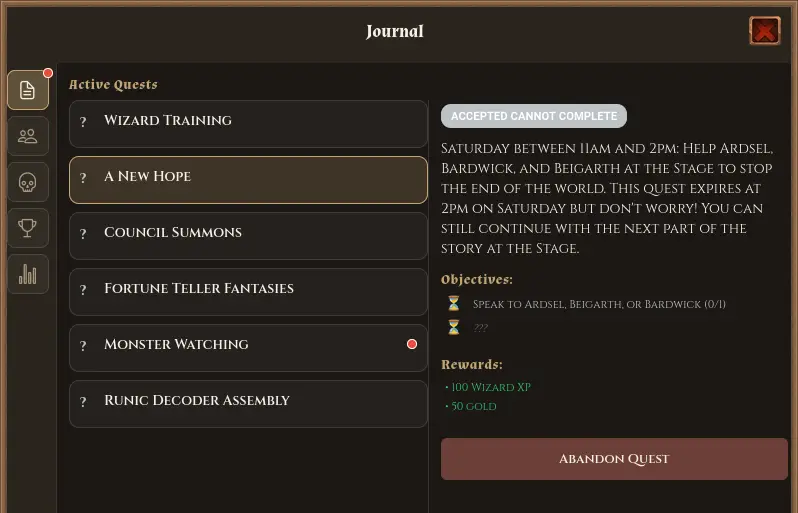
Open the Journal for active and completed quests. Talk to characters through scans or map interactions, choose dialogue options, pick up jobs, and turn them in when you’re done.
Your event may also include achievements, a bestiary or NPC list, or other journal extras. If a tab isn’t there, that event simply isn’t using it.
Combat
Battles
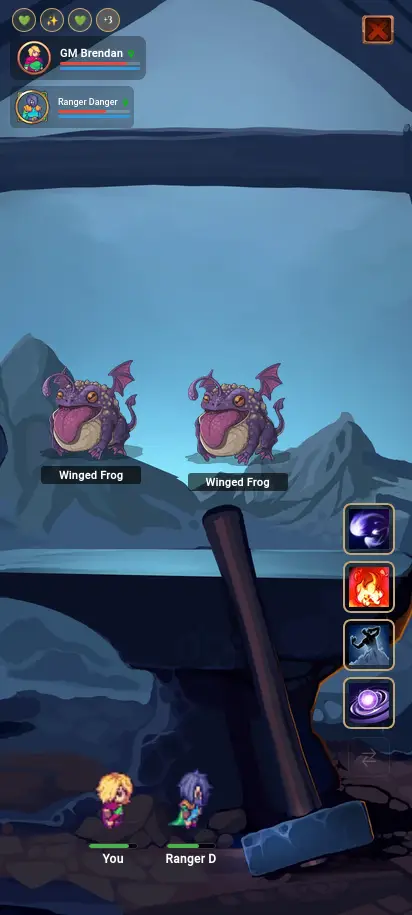
When you fight, from a roaming spawn, a scan, or a story beat, you enter a side-view battle. Tap to attack and use up to four equipped class skills (watch cooldowns and mana).
Play solo, or fight with your party in a shared battle. Victory rewards depend on the encounter the event set up.
Friends
Parties & friends
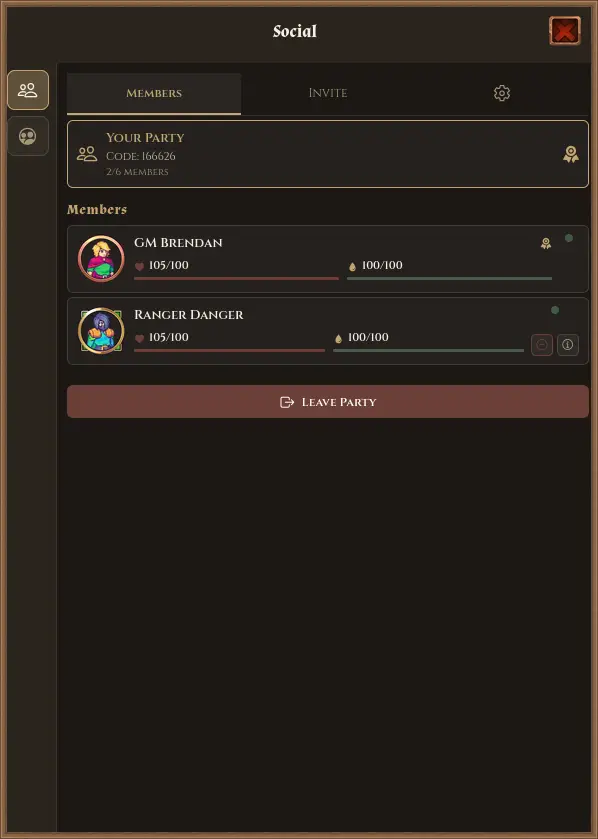
Open Social to create or join a party with a 6-digit code or party QR. See allies on the map, check their status, and jump into battles they’ve already started.
Party features need a connection. You can still explore and play much of the game on your own if you’re offline, teaming up waits until you’re back online.
Character
Avatar, classes & gear
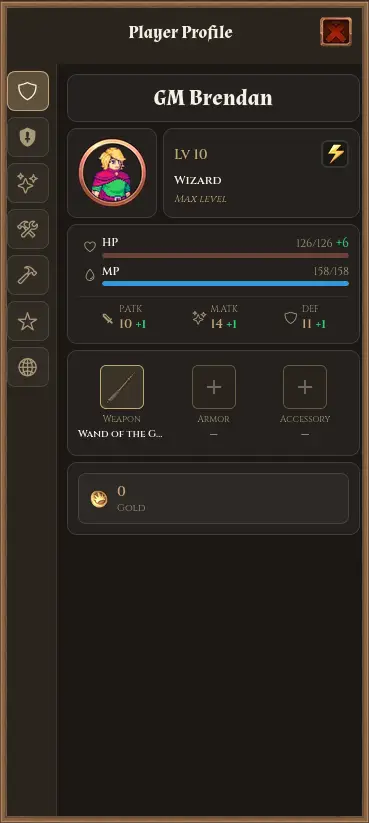
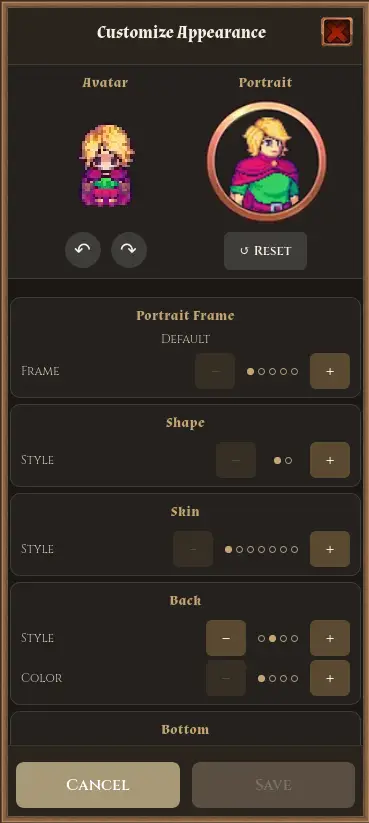
Create a custom look used on the map, in parties, and in battle. Level classes (such as Fighter, Wizard, Healer, Ranger, or Rogue), equip weapons and armor that fit your build, and set a four-skill loadout as you unlock abilities.
Your Items bag holds gear, consumables, materials, and quest items. Equip from inventory or your profile.
Crafting
Gathering, crafting & stations
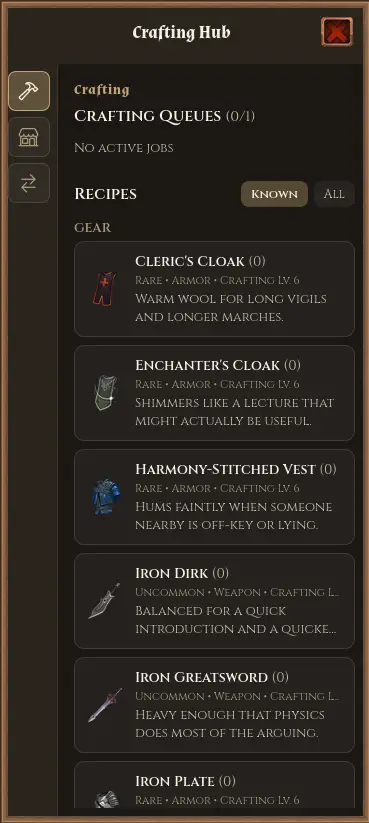
When an event includes gathering and crafting, you’ll find resources in the world (sometimes limited by profession level) and visit stations to craft, shop, upgrade, or trade.
How you open a station depends on the event’s design, any of these can be valid:
- Scan a QR at a physical craft booth
- Tap a map marker for that hub
- Talk to an NPC who opens the station for you
- Use the recipe book on your profile (when the event allows crafting there)
You
Profile, cosmetics & worlds
Your Profile is home base for the event worlds you’ve joined, your look, and whatever progression that event uses. Stats, equipment, classes, skills, or professions when they’re part of the design.
Comms
Chat & activity log
Open the Comms for world chat, party chat, and whispers when the event has them enabled, plus a personal activity log of quests, loot, levels, and battles.
Ready to play?
Grab the app, join your event’s QR when you arrive, and start exploring. Running an event of your own? See what organizers can build.